> For the complete documentation index, see [llms.txt](https://help.citrusad.com/retail-media-interface/llms.txt). Markdown versions of documentation pages are available by appending `.md` to page URLs; this page is available as [Markdown](https://help.citrusad.com/retail-media-interface/partner/partner-api-overview/epsilon-retail-media-partner-apis-overview-1.md).
# Epsilon Retail Media Partner APIs overview
Welcome to the Epsilon Retail Media Partner API. This guide helps you integrate with our advertising platform to manage your campaigns, wallets, teams, and users programmatically. You can also track performance and grow your business effectively.
## What is an API?
An API stands for Application Programming Interface. An API acts as the middleman allowing two software components to communicate using a set of functions and procedures. APIs are commonly used to get or send data, accessing features and services from other applications.
## What is Partner API?
Our Partner API gives you programmatic access to nearly everything you can do in the Epsilon Onsite Campaign Management platforms' user interface. That means instead of manually clicking through the app, your systems or developers can connect directly to our platform and automate, customize, or integrate its features into your own tools or workflows.
The Partner API is utilized by many retailers and partners including aggregators like Pacvue, Skai and Commerce IQ.
## API overview
The Epsilon Retail Media Partner API enables programmatic management of retail media [Campaigns](/retail-media-interface/partner/campaign-management-api/productcampaign-1/createproductcampaign.md), [Team](/retail-media-interface/partner/team-user-api/team.md) & [User](/retail-media-interface/partner/team-user-api/user-1/createuserteaminvite.md), and [Wallets](/retail-media-interface/partner/billing-api/wallet.md). Use it to create and update campaigns across multiple ad formats including Sponsored Product Ads (SPAs), static banners, and responsive Banner X ads.
Our Partner API is a REST-based API using common GET, POST, PATCH and DELETE protocols via JSON payloads.
## Key benefits
* Automate campaign, team & user, and wallet operations through REST API endpoints.
* Manage multiple campaigns and resources efficiently with bulk operation support.
* Allow you to orchestrate API calls to fit your existing workflow and system architecture.
* Create and manage campaigns across Sponsored Product Ads, Banner, and Banner X formats.
* User key-based authentication with time-limited tokens for secure API interactions.
## Prerequisites
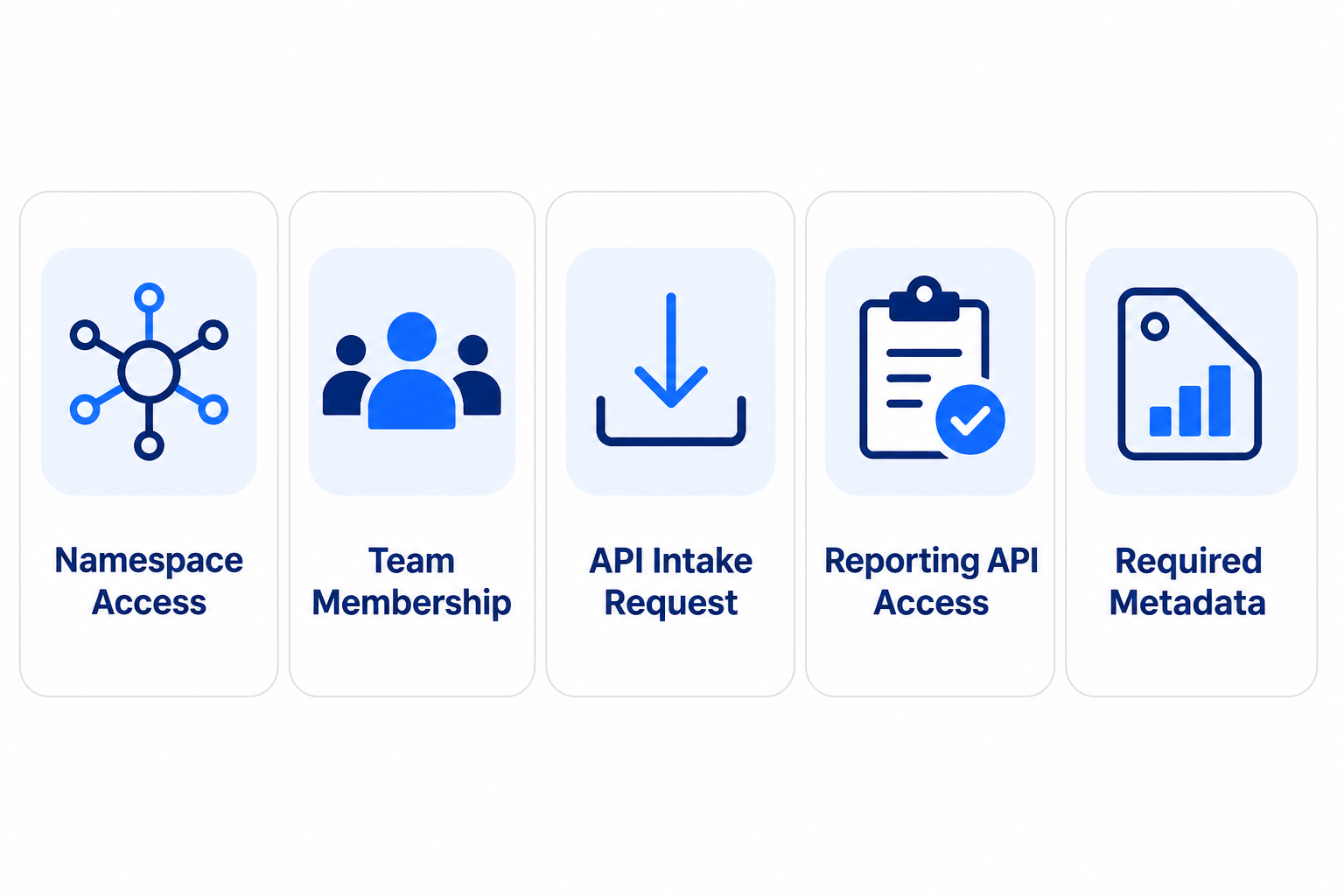
Before using the Partner API, ensure the following requirements are met:
### Namespace access
You must have access to your designated namespace, which acts as a container for your data and configurations. Reach out to the Epsilon Support team to obtain namespace configuration details specific to your retailers.
### Team membership
You must be part of either a supplier or primary retailer team with the appropriate permissions within your namespace.
### API intake request
Ad aggregators, agencies, and brand partners must raise an API intake request before using the Partner APIs. Use the official intake form referenced in [KB0040933 ](https://citrusad.service-now.com/now/nav/ui/classic/params/target/kb_view.do%3Fsysparm_article%3DKB0040933)to initiate a new API connection.
### Reporting API access
You must have access to the Reporting API (BigQuery data warehouse) to query relevant tables such as dim\_product, dim\_catalog, and dim\_placement. This helps validate integration readiness and explore metadata.
### Required metadata
Ensure your product catalog, placement, and team information are created and available under your namespace. You can verify this by querying the appropriate BigQuery tables.
If you do not have access to BigQuery, request it through the official API access request form. Depending on your needs, please refer to the appropriate knowledge base article:
* **Change/Remove Reporting BigQuery API Endpoint**: Need to modify an existing API endpoint - [KB0040934](https://citrusad.service-now.com/now/nav/ui/classic/params/target/kb_view.do%3Fsysparm_article%3DKB0040934).
* **NEW Partner API (reporting API)** - [KB0040947](https://citrusad.service-now.com/now/nav/ui/classic/params/target/kb_view.do%3Fsysparm_article%3DKB0040947).
{% hint style="info" %}
Access Note: Some links in this document point to internal or restricted resources. Ensure you are signed in with appropriate credentials to access the content.
{% endhint %}
## Getting started with Partner APIs
### Authentication Requirements
Partner API utilizes an authorization process requiring a User Key. Access tokens are retrieved by calling the User Key Authentication API:
* Your retrieved User Key is passed in the header of this request.
* The retrieved Access Token is subsequently used in any method calls to the Partner API.
* Tokens expire just under 24 hours from generation.
{% hint style="info" %}
A new token should be requested when the previous expires. A client should not generate a new token with every request to our API.
{% endhint %}
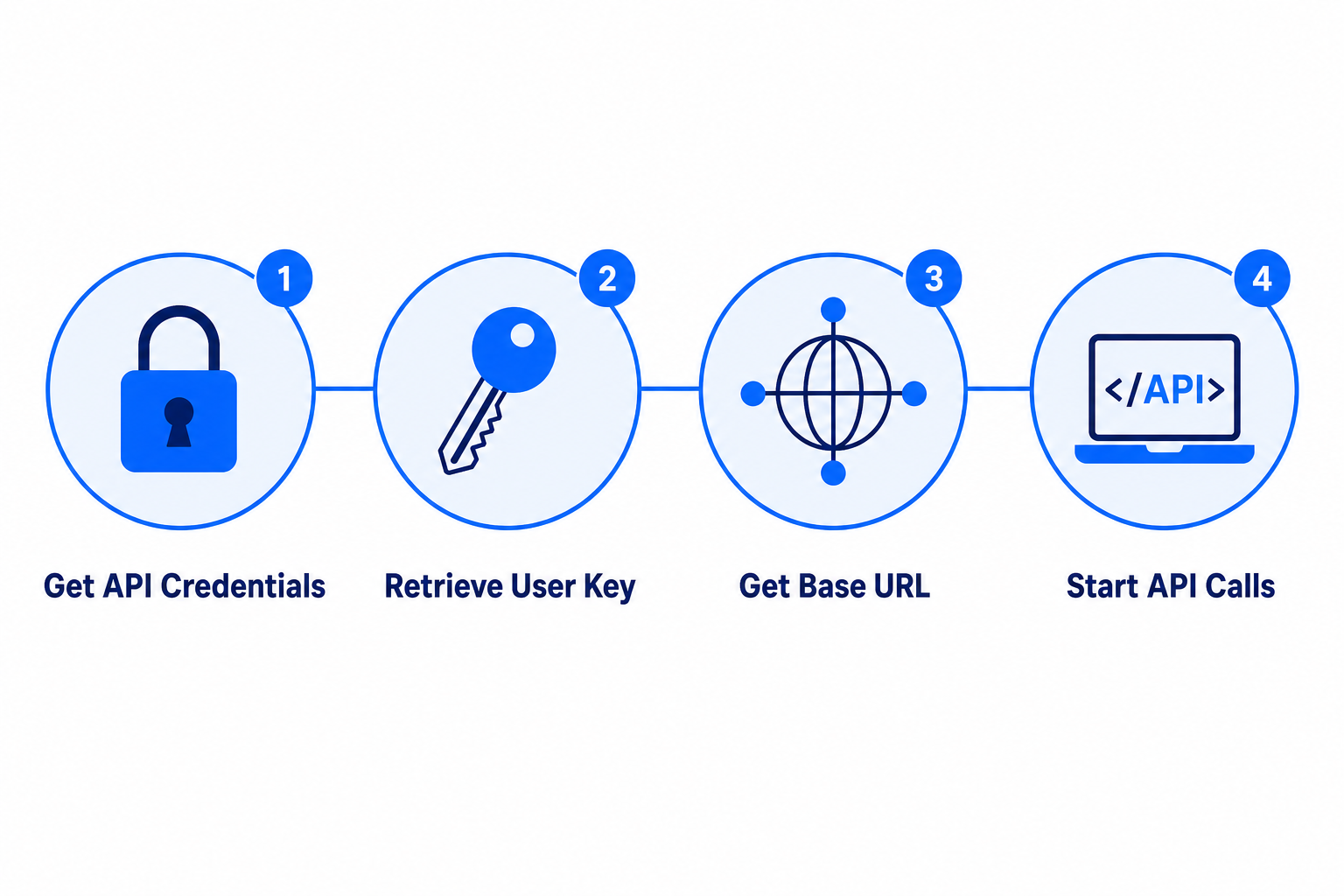
### Get your API credentials
To begin using the Epsilon Retail Media Partner APIs, you need the following information. If you're unsure about any of the details, contact your Support or raise a ticket to get assistance.
* Your user key for authentication.
* The base URL for making API calls.
### Retrieve your User key
1. Log into your Epsilon Retail Media team account.
2. Choose a team.
3. From the profile dropdown, select **User settings**.
4. Navigate to the **User key** tab.
5. Click **Show** to reveal your API key.
Use this key to authenticate your API requests. Epsilon Retail Media uses user key-based authentication. Exchange your user key for a time-limited access token to authorize API requests. For more information, see [Authentication requests](/retail-media-interface/partner/partner-api-authentication/authenticating-requests.md).
### Get your base URL
Contact your Support to obtain the correct base URL for your environment. Example endpoint:
```
https://campaign..citrusad.com/v3/campaigns
```
Once you have your user key, you can authenticate and begin making the API calls to:
* View and manage your advertising campaigns.
* Manage your advertising budgets and spending.
* Manage your team and user details.
## Set up the environment
Epsilon Retail Media provides two distinct environments for each retailer: Production and Sandbox. Both environments are created by default when a retailer is onboarded.
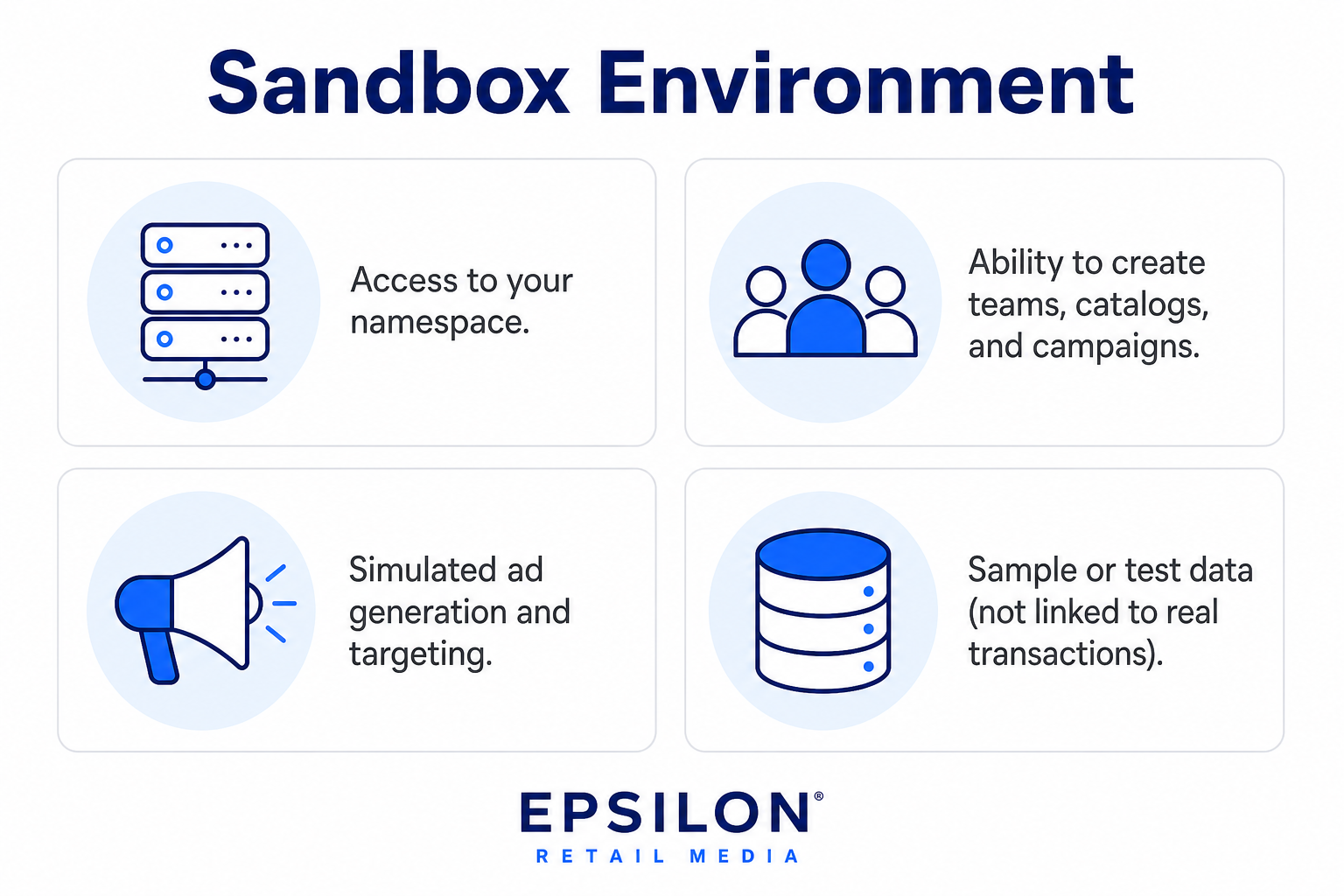
### Sandbox environment
{% hint style="info" %}
Sandbox access is typically provided only to retailers and aggregators. If you’re unsure about your eligibility, contact Support.
{% endhint %}
Use this safe environment to test your integration before going live. Retailers must use this environment to validate API calls, test catalog uploads, simulate campaign creation, and ensure end-to-end functionality before going live. Use the sandbox for all development, testing, and QA activities. Each retailer has a unique sandbox URL, typically in the format:
```
https://-sandbox.citrusad.com
```
The sandbox environment includes:
### Production environment
Switch to production only after successful validation in sandbox. The production environment is used for live campaigns and real-time ad delivery. It supports full-scale operations including catalog updates, order syncing, and ad performance tracking. The production URL follows this format:
```
https://.citrusad.com
```
Ensure that all data (catalogs, products, orders) is accurate and complete before using this environment.
{% hint style="info" %}
Always confirm the correct environment before making API calls, especially when using credentials and base URLs. The base URL may not always match the namespace, depending on the retailer’s integration setup.
{% endhint %}
## Partner API endpoints
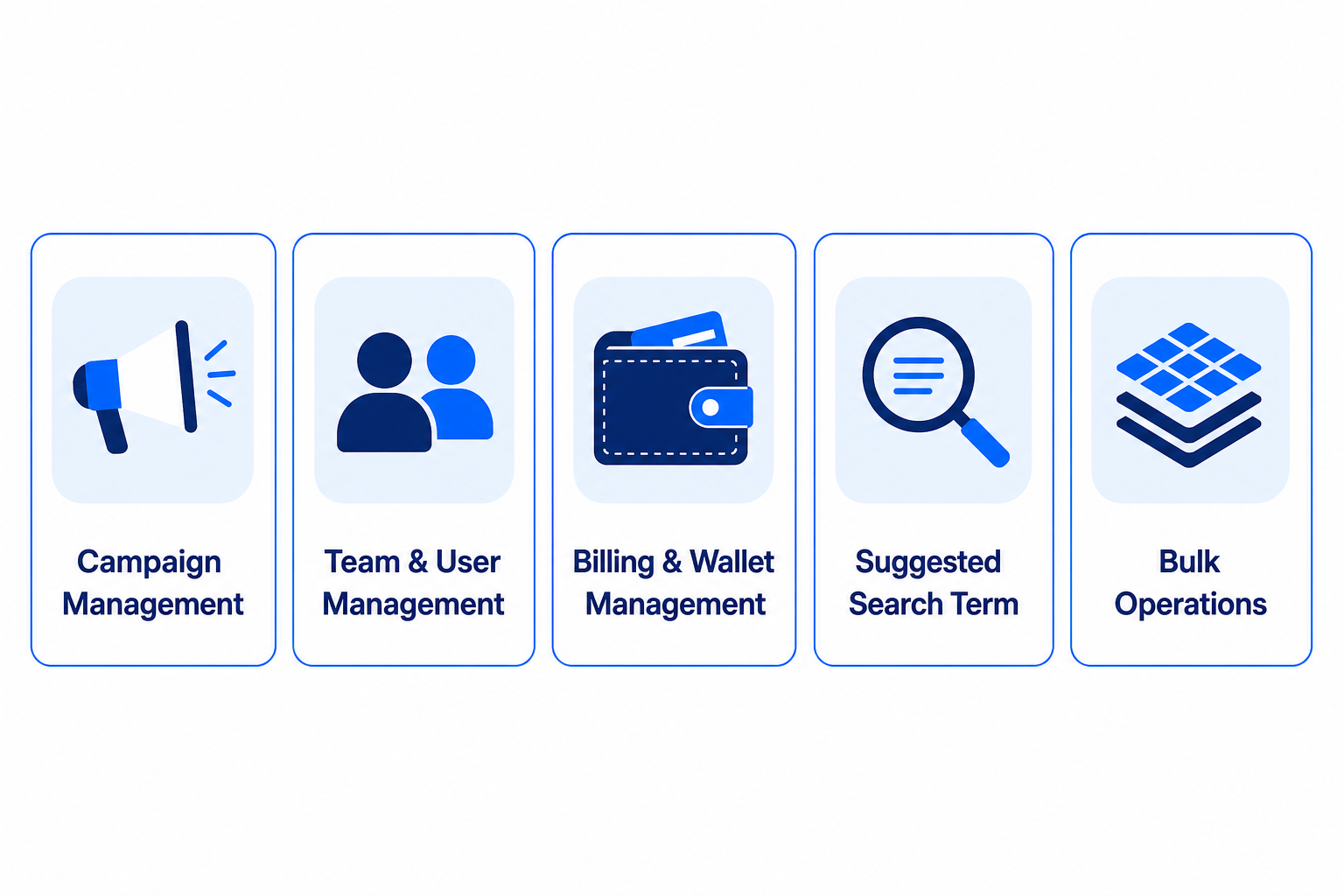
Epsilon Retail Media API offers a set of core features grouped into functional categories, each supported by dedicated endpoints. The table below summarizes the key partner-facing APIs, their purpose, and the HTTP methods used.
### Campaign Management
**What is a Sponsored Product Ad?** Sponsored Product Ads (SPA) are ads placed in product grids on the retailer site, typically found on search and category pages as well as PDP and homepage, layered in amongst organic listings.
**What is a Banner X Ad?** Banner X ads are fully responsive ad units that grow and change with the user's viewport. They are comprised of numerous creative elements from hero and background images to headline text and call-to-action buttons.
**What is a Banner Ad?** A standard Banner is a static image with a click-thru URL behind it.
#### Product Campaign
| Endpoint | Description | Method |
| ------------------------------------------------------------------------------------------------------------------------------------------------------------------ | ------------------------------------------------------------------------------ | ------ |
| [Create a product campaign](/retail-media-interface/partner/campaign-management-api/productcampaign-1/createproductcampaign.md) | Creates a new product campaign using the details provided in the request body. | POST |
| [Retrieve list of all product campaigns](/retail-media-interface/partner/campaign-management-api/productcampaign-1/listproductcampaigns.md) | Retrieves a list of all product campaigns based on the provided parameters. | GET |
| [Update a product campaign](/retail-media-interface/partner/campaign-management-api/productcampaign-1/updateproductcampaign.md) | Updates an existing product campaign using the campaign ID | PATCH |
| [Get product campaign by ID](/retail-media-interface/partner/campaign-management-api/productcampaign-1/getproductcampaign-1.md) | Retrieves product campaign details for the specified campaign ID. | GET |
| [Change approval state of a product campaign](/retail-media-interface/partner/campaign-management-api/productcampaign-1/approveproductcampaign-1.md) | Updates the approval state of a specified product campaign. | POST |
| [Check booking feasibility for fixed tenancy campaigns](/retail-media-interface/partner/campaign-management-api/productcampaign-1/checkfixedtenancyavailable-1.md) | Checks if booking is feasible for fixed tenancy campaigns. | POST |
#### Banner X Campaign
| Endpoint | Description | Method |
| ------------------------------------------------------------------------------------------------------------------------------------------------ | ----------------------------------------------------------------------------------------------------------------------------------------------------------- | ------ |
| [Create a Banner X campaign](/retail-media-interface/partner/campaign-management-api/bannerxcampaign-1/createbannerxcampaign-1.md) | Creates a new banner X campaign using the details provided in the request body. | POST |
| [Get Banner X campaign details](/retail-media-interface/partner/campaign-management-api/bannerxcampaign-1/getbannerxcampaign-1.md) | Retrieves banner X campaign details for the specified campaign ID. | GET |
| [Update Banner X campaign](/retail-media-interface/partner/campaign-management-api/bannerxcampaign-1/updatebannerxcampaign.md) | Updates an existing Banner X campaign by providing the campaign ID and the updated campaign data in the request body. | PATCH |
| [Update Banner X campaign approval state](/retail-media-interface/partner/campaign-management-api/bannerxcampaign-1/approvebannerxcampaign-1.md) | Updates the approval state of a specified banner X campaign. | POST |
| [Retrieve list of all Banner X campaigns](/retail-media-interface/partner/campaign-management-api/bannerxcampaign-1/listbannerxcampaigns.md) | Retrieves a list of banner X campaigns based on specified filters and parameters, including campaign name, placement ID, team ID, approval state, and more. | GET |
#### Banner Campaign
| Endpoint | Description | Method |
| ---------------------------------------------------------------------------------------------------------------------------------------- | ----------------------------------------------------------------------------- | ------ |
| [Create a banner campaign](/retail-media-interface/partner/campaign-management-api/bannercampaign/createbannercampaign-1.md) | Creates a new banner campaign using the details provided in the request body. | POST |
| [Get banner campaign details](/retail-media-interface/partner/campaign-management-api/bannercampaign/getbannercampaign-1.md) | Retrieves banner campaign details for the specified campaign ID. | GET |
| [Update banner campaign](/retail-media-interface/partner/campaign-management-api/bannercampaign/updatebannercampaign.md) | Updates an existing banner campaign using the campaign ID. | PATCH |
| [Update banner campaign approval state](/retail-media-interface/partner/campaign-management-api/bannercampaign/approvebannercampaign.md) | Updates the approval state of a specified banner campaign | POST |
#### Campaign Files
| Endpoint | Description | Method |
| -------------------------------------------------------------------------------------------------------------------------- | ------------------------------------------------------------------------------- | ------ |
| [Upload a campaign file](/retail-media-interface/partner/campaign-management-api/creativeassets/uploadfile.md) | Uploads different types of campaign files | POST |
| [Retrieve campaign file URL](/retail-media-interface/partner/campaign-management-api/creativeassets/getcampaignfileurl.md) | Retrieves the URL of a campaign file using the specified file ID and file type. | POST |
#### Content Standard
| Endpoint | Description | Method |
| ---------------------------------------------------------------------------------------------------------------------------------------------------------------------- | --------------------------------------------------------------------------------------------------------------------------------------------------- | ------ |
| [Get Banner X content standard details](/retail-media-interface/partner/campaign-management-api/bannerxcontentstandard/getbannerxcontentstandard-1.md) | Retrieves Banner X content standard details for the specified content standard ID. | GET |
| [Retrieve list content standards for Banner X campaigns](/retail-media-interface/partner/campaign-management-api/bannerxcontentstandard/listbannerxcontentstandard.md) | Retrieves the list of content standards for Banner X campaigns based on the specified parameters, such as namespace, name, and content standard ID. | GET |
| [Get banner content standard details](/retail-media-interface/partner/campaign-management-api/bannerxcontentstandard/getbannercontentstandard.md) | Retrieves Banner content standard details for the specified content standard ID. | GET |
| [Retrieve list content standards for banner campaigns](/retail-media-interface/partner/campaign-management-api/bannerxcontentstandard/listbannercontentstandard.md) | Retrieves the list of content standards for banner campaigns based on the specified parameters, such as namespace, name, and content standard ID. | GET |
#### Campaign
| Endpoint | Description | Method |
| --------------------------------------------------------------------------------------------------------------------------------------- | -------------------------------------------------------------------------------------------------------------------------------------------------------------------------- | ------ |
| [Retrieve list of all campaigns](/retail-media-interface/partner/campaign-management-api/campaign/listcampaigns-1.md) | Retrieves a list of campaigns based on specified filters and parameters, including campaign name, campaign type, placement ID, team ID, approval state, and more. | POST |
| [Retrieve campaign history](/retail-media-interface/partner/campaign-management-api/campaign/getcampaignhistory.md) | Retrieves a campaign's history using its campaign ID. | GET |
| [Retrieve minimum bid details for keywords](/retail-media-interface/partner/campaign-management-api/campaign/retrievekeywordsminbid.md) | Retrieves individual minimum bid details and the overall campaign minimum bid for an array of specified keywords in Search and Category & Search placement type campaigns. | POST |
| [Retrieve minimum bid details for category](/retail-media-interface/partner/campaign-management-api/campaign/retrievecategoryminbid.md) | Retrieves individual minimum bid details and the overall campaign minimum bid for category placement type campaigns. | POST |
## Creative Asset Management
### What is a Creative Asset?
Creative assets are images used in Banner and Banner X campaigns. These assets must meet specific technical requirements to ensure proper display and performance.
### Upload Guidelines:
* File size < 4 MB
* File types: PNG, JPEG, JPG, GIF, SVG, and PDF
* One file at a time
* Team ID, Slot ID and Content Standard ID are mandatory
* Provide a complete absolute path to the file
{% hint style="info" %}
Creative asset uploads are handled through the Campaign File endpoints listed in the Campaign Management section above.
{% endhint %}
## Content Standard Management
### What is a Content Standard?
Content standards are guidelines and technical parameters that dictate how a Banner or Banner X ad should be displayed within a designated space on a website or digital platform. Standards include parameters such as dimensions and size, file format and sizes, resolution and quality, positioning and alignment, content restrictions and interactivity.
### Team & User Management
#### What is a Team?
A team is a collection of users and is classified as either a supplier (advertiser) or a retailer team. Supplier teams usually create campaigns, while retailers review campaigns and perform administrative tasks. A user in the system can belong to multiple teams or just one. Typically, a team will have users, campaigns, and wallets associated with it.
#### Team
| Endpoint | Description | Method |
| -------------------------------------------------------------------------------------------- | --------------------------------------------------------------------------------------------------- | ------ |
| [Create team](/retail-media-interface/partner/team-user-api/team/createteam-1.md) | Creates a new team. | POST |
| Update a team | Updates the details of a team specified by the team\_id. | PATCH |
| List all teams | Retrieves a list of teams by providing the parameters such as, name, namespace\_id, and seller\_id. | GET |
| [Get team for specified ID](/retail-media-interface/partner/team-user-api/team/getteam-1.md) | Retrieves detailed information about a specific team, including its members. | GET |
| Join a team with invitation token | Enables users to join a team using a valid and unexpired invitation token. | POST |
#### User
| Endpoint | Description | Method |
| --------------------------------------------------------------------------------------------------------- | ------------------------------------------------------------------------------------------ | ------ |
| [Invite a user to the team](/retail-media-interface/partner/team-user-api/user-1/createuserteaminvite.md) | Sends an invitation to a user to join a specified team. | POST |
| Retrieve user detail using user ID | Retrieves the details of the user currently logged into the Epsilon Retail Media platform. | GET |
| [Retrieve user details](/retail-media-interface/partner/team-user-api/user-1/getusersforteam.md) | Retrieves user details based on the provided team ID. | GET |
| [Update current user detail](/retail-media-interface/partner/team-user-api/user-1/updateuserprofile.md) | Modifies the details of the currently logged in user on the Epsilon Retail Media platform. | PATCH |
| [Modify user permission](/retail-media-interface/partner/team-user-api/user-1/modifyuserpermission.md) | Updates a user's permissions by providing both user ID and team ID. | PATCH |
| [Upload a file](/retail-media-interface/partner/team-user-api/user-1/uploadfile-1.md) | Uploads logos for user profiles and teams. | POST |
| [Retrieve file URL](/retail-media-interface/partner/team-user-api/user-1/getfileurl.md) | Retrieves the URL for a team or user logo using the specified file ID. | POST |
| Remove a user | Removes a user from the team. | DELETE |
### Billing & Wallet Management
#### What is a Wallet?
A wallet stores an advertiser's funds for the purpose of making payments (e.g. paying for realized ads).
#### Wallet
| Endpoint | Description | Method |
| -------------------------------------------------------------------------------------------------------------- | ---------------------------------------------------------------------------------------------------------------------------------------- | ------ |
| [Create a wallet](/retail-media-interface/partner/billing-api/wallet/createwallet.md) | Creates a wallet within a specified namespace and associates it with a team using the team ID. | POST |
| [Update a wallet](/retail-media-interface/partner/billing-api/wallet/updatewallet-1.md) | Updates a wallet within a specified namespace and teamId. | PATCH |
| [Retrieve wallet by ID](/retail-media-interface/partner/billing-api/wallet/getwallet-1.md) | Retrieves the details of a specific wallet using its unique identifier, {id}. | GET |
| [List all wallets](/retail-media-interface/partner/billing-api/wallet/listwallets.md) | Retrieves a list of wallets based on specified filters and parameters, including team ID, wallet name, wallet ID, external ID, and more. | GET |
| [Get the balance of a specific wallet](/retail-media-interface/partner/billing-api/wallet/getwalletbalance.md) | Retrieves the current balance of a specified wallet. | GET |
| [Manage funds to a specific wallet](/retail-media-interface/partner/billing-api/wallet/managefunds.md) | Manages fund operations for a specific wallet. | POST |
#### Spend
| Endpoint | Description | Method |
| -------------------------------------------------------------------------------------------------------- | ------------------------------------------------------------------------------------------------------------ | ------ |
| [Retrieve campaign spend details](/retail-media-interface/partner/billing-api/spend/getcampaignspend.md) | Calculates the remaining budget for specific campaigns based on their available balance and spending limits. | POST |
### Bulk Operation
#### Campaign
| Endpoint | Description | Method |
| ----------------------------------------------------------------------------------------------------------------------------------- | ------------------------------------------------------------------------------------------ | ------ |
| [Create campaigns in bulk](/retail-media-interface/partner/bulk-operation-api/bulkcampaignoperations/bulkcreatecampaign.md) | Creates multiple campaigns simultaneously (up to 1,000) based on campaign type. | POST |
| [Update campaigns in bulk](/retail-media-interface/partner/bulk-operation-api/bulkcampaignoperations/bulkupdatecampaign-1.md) | Updates campaigns within a specified namespace. | PATCH |
| [Update campaign approval state](/retail-media-interface/partner/bulk-operation-api/bulkcampaignoperations/bulkcampaignapproval.md) | Approves or rejects campaigns within a specified namespace. | POST |
| Retrieve bulk operation status | Retrieves the status and details of a bulk campaign operation using the bulk operation ID. | GET |
#### Wallet
| Endpoint | Description | Method |
| ------------------------------------------------------------------------------------------------------------------------------------ | ----------------------------------------------------------------------- | ------ |
| [Create wallets in bulk](/retail-media-interface/partner/bulk-operation-api/bulkwalletoperations/bulkcreatewallet.md) | Create multiple wallets at once within your organization (up to 1,000). | POST |
| [Retrieve bulk wallet operation status](/retail-media-interface/partner/bulk-operation-api/bulkwalletoperations/bulkwalletstatus.md) | Retrieves the status of a bulk wallet operation using its bulk ID. | GET |
| [Update wallets in bulk](/retail-media-interface/partner/bulk-operation-api/bulkwalletoperations/bulkupdatewallet.md) | Updates multiple wallets simultaneously. | PATCH |
#### Team
| Endpoint | Description | Method |
| ---------------------------------------------------------------------------------------------------------------------------------- | ---------------------------------------------------------------- | ------ |
| [Create teams in bulk](/retail-media-interface/partner/bulk-operation-api/bulkwalletoperations-1/bulkcreateteam.md) | Creates bulk team for an organization. | POST |
| [Update teams in bulk](/retail-media-interface/partner/bulk-operation-api/bulkwalletoperations-1/bulkupdateteam.md) | Updates multiple teams simultaneously. | PATCH |
| [Retrieve bulk team operation status](/retail-media-interface/partner/bulk-operation-api/bulkwalletoperations-1/bulkteamstatus.md) | Retrieves the status of a bulk team operation using its bulk ID. | GET |
### Suggested Search Term
#### What are Suggested Search Terms?
Suggested search terms are a collection of terms provided via a file from the retailer associating products to specific terms that are presented to the user when creating a campaign on the search terms step. For more information, see Suggested Search Terms.
| Endpoint | Description | Method |
| --------------------------------------------------------------------------------------------------------------------------------------------- | ---------------------------------------------------------------------------------------------------------------------------------------------------- | ------ |
| [Lists all suggested search terms](/retail-media-interface/partner/suggested-search-term-api/suggestedsearchterm/listsuggestedsearchterms.md) | Retrieves suggested search terms for catalog targeting suggested search terms based on specified parameters like catalog ID, product code, and more. | GET |
## Best Practices
Follow these best practices to ensure a smooth, efficient, and reliable integration with the Epsilon Retail Media Partner APIs:
* Always test in sandbox before production deployment.
* Use bulk endpoints for multiple operations.
* Check for specific data issues in error responses.
* Use compressed files for faster data uploads.
* Refresh access tokens only when expired.
* Validate required fields before submitting requests.
## Error Handling
Our Partner APIs return structured JSON error responses to support robust exception handling.
* **HTTP Status Code**: Standard error codes (400, 401, 403, 500, etc.)
* **Error Code**: Specific error identifier.
* **Message**: Human-readable error description.
* **Field Violations**: Specific field validation errors for data input issues.
For detailed error handling information, see [Error handling](/retail-media-interface/partner/partner-api-overview/error-handling.md).
## Support and Resources
| Resource | Description |
| ---------------------------------------------------------------------------------------------------------------- | ------------------------------------------------------------------ |
| [Frequently asked questions](/retail-media-interface/partner/partner-api-overview/frequently-asked-questions.md) | Common questions and answers related to API usage and integration. |
| Release notes | Summary of recent updates or changes to the API. |
| [Glossary](https://developers.citrusad.com/partner/docs/createupdate-campaign-fields-1) | Definitions of key terms used across the API documentation. |
---
# Agent Instructions
This documentation is published with GitBook. GitBook is the documentation platform designed so that both humans and AI agents can read, navigate, and reason over technical content effectively. Learn more at gitbook.com.
## Querying This Documentation
If you need additional information that is not directly available in this page, you can query the documentation by asking a question.
Perform an HTTP GET request on the following URL with the `ask` and `goal` query parameters:
```
GET https://help.citrusad.com/retail-media-interface/partner/partner-api-overview/epsilon-retail-media-partner-apis-overview-1.md?ask=&goal=
```
`ask` is the immediate question: it should be specific, self-contained, and written in natural language.
`goal` is what the user is ultimately trying to achieve, the reason they need the answer. Sharing it helps GitBook give you a better, more relevant answer. A goal is most helpful when it describes the outcome the user wants rather than restating the question. For example, with `ask=how do I create an API token`, a goal like `automate deployments from our CI pipeline` lets GitBook tailor the answer to that use case.
The response will contain a direct answer to the question and relevant excerpts and sources from the documentation.
Use this mechanism when the answer is not explicitly present in the current page, you need clarification or additional context, or you want to retrieve related documentation sections.