> For the complete documentation index, see [llms.txt](https://help.citrusad.com/retail-media-interface/llms.txt). Markdown versions of documentation pages are available by appending `.md` to page URLs; this page is available as [Markdown](https://help.citrusad.com/retail-media-interface/integration/getting-started/what-ads-can-citrusad-serve-1.md).
# What ads can Epsilon Retail Media serve?
The Epsilon Retail Media platform enables retailers to use one ad platform for multiple ad types, removing the need for multiple connections to different ad servers.
The Epsilon Retail Media platform is capable of serving various types of ads, including:
* Product ads
* Banner ads (static)
* Banner X ads (responsive)
* Brand pages.
## Product ads (sponsored products)
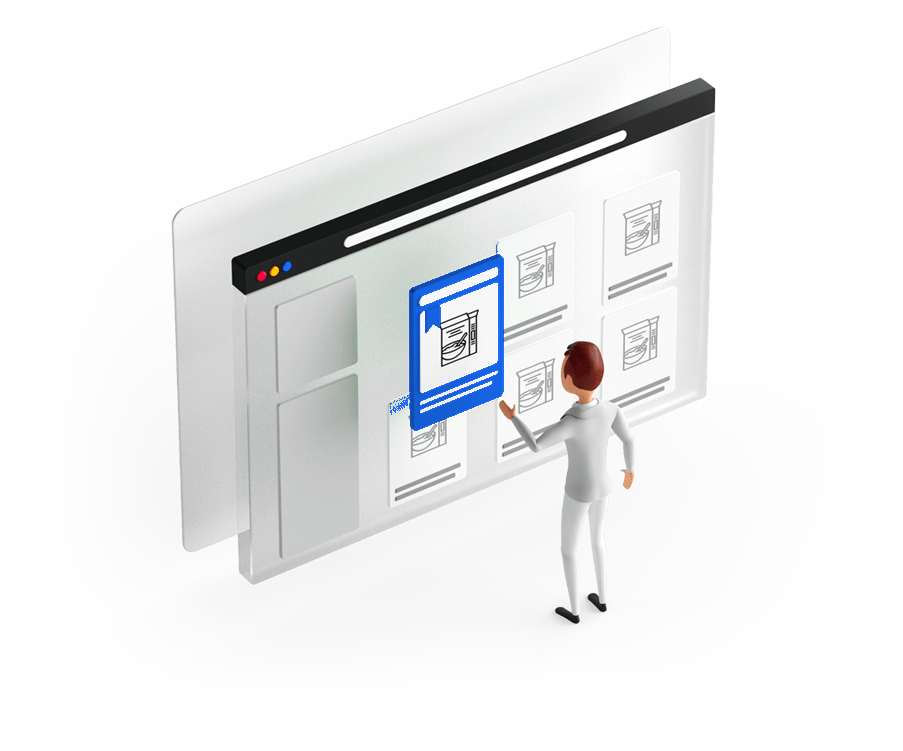
Product ads served at the digital point of purchase are one of the most powerful tools for driving discoverability and product sales. They allow advertisers to elevate their products to the digital ‘top shelf’ and promote products in a prime position.
Product ads served by Epsilon Retail Media will typically be merged with a retailer's organic listings before being served to the customer. This gives ads a more native look and feel, increasing customer engagement.
## Banner (static) ads
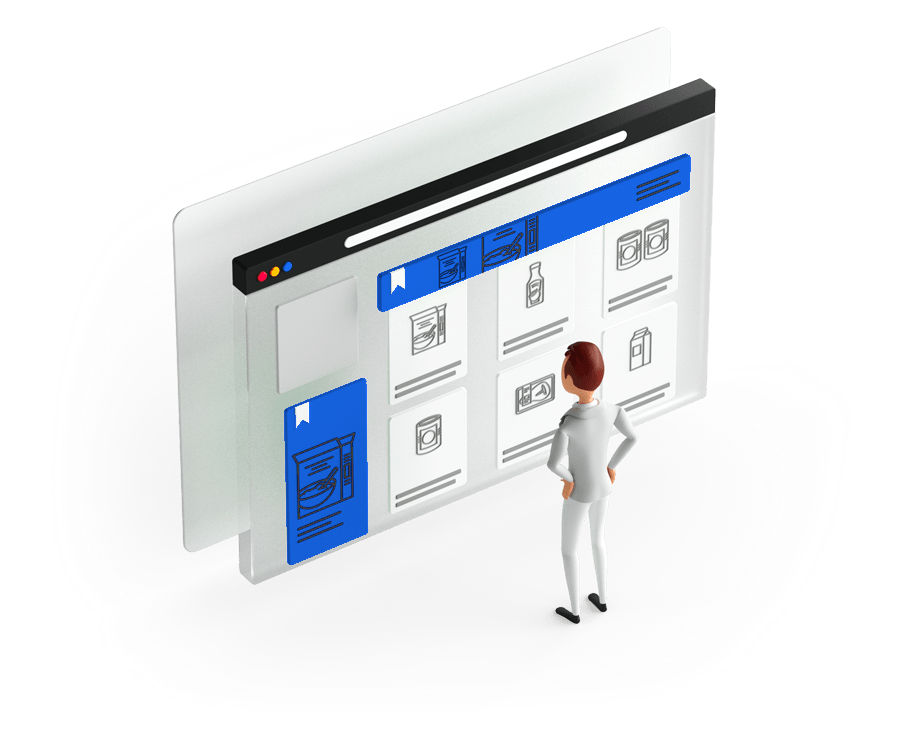
Banner advertising is an excellent introduction to an advertiser's brand message and significantly influences both online and in-store sales. Epsilon Retail Media banners use selected products and their filters to ensure each ad is relevant to the context of the page it’s being served on.
## Banner X (responsive) ads
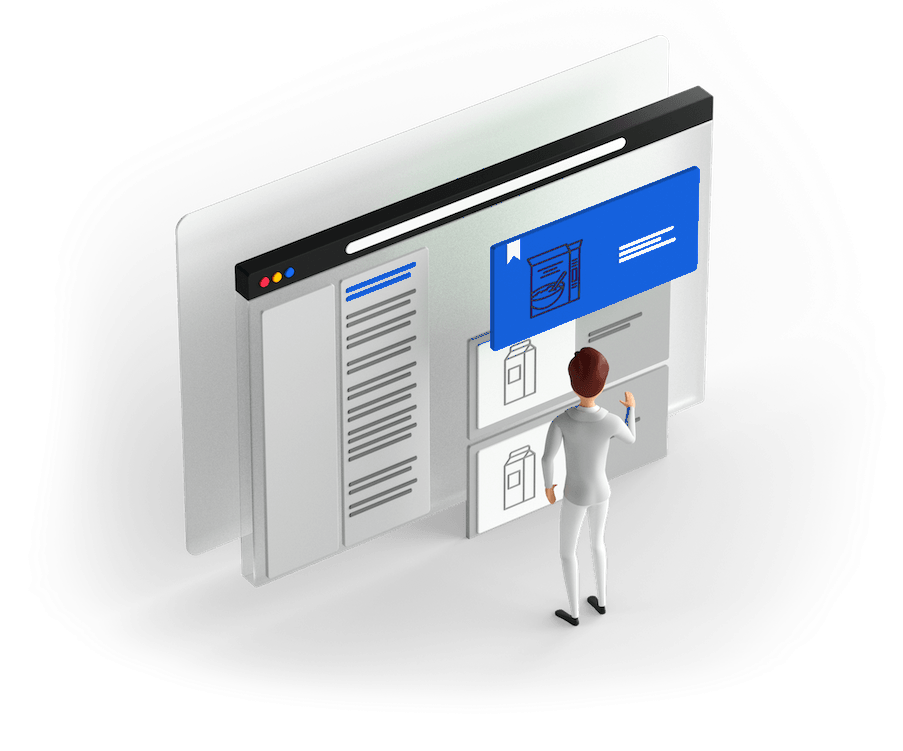
Banner X ads are responsive banner ads with multiple components. Epsilon Retail Media sends each individual component of the banner, and the styling of these banners is handled by the retailer's front end. Banner X ads remain on brand and render effectively on any screen size.
{% hint style="info" %}
Now supporting Video and Shoppable (Beta)
Take a look at our Banner X documentation to learn more!
{% endhint %}
## Brand pages
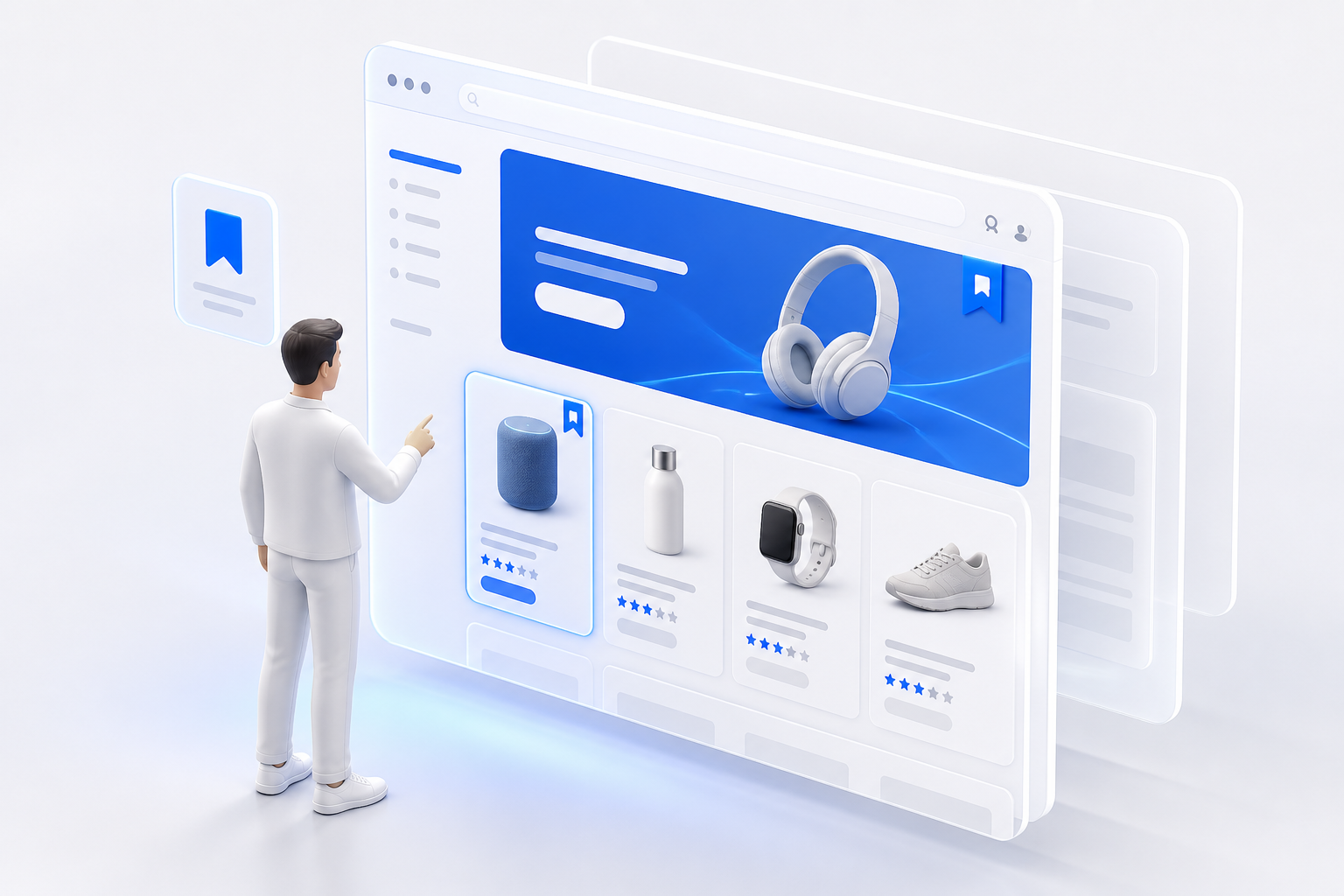
Brand Pages are branded landing page experiences hosted on your domain and rendered with your UI. Advertisers configure content modules in Epsilon Retail Media; your integration fetches those modules by slug and renders them on routes such as `/brands/{slug}`.
Unlike product or banner ads, Brand Pages are managed as landing page experiences rather than in-grid placements. See the [Brand Page retailer integration guide](/retail-media-interface/integration/brand-pages/brand-page-retailer-integration-guide.md) for APIs, tracking, and onboarding.
---
# Agent Instructions
This documentation is published with GitBook. GitBook is the documentation platform designed so that both humans and AI agents can read, navigate, and reason over technical content effectively. Learn more at gitbook.com.
## Querying This Documentation
If you need additional information that is not directly available in this page, you can query the documentation by asking a question.
Perform an HTTP GET request on the following URL with the `ask` and `goal` query parameters:
```
GET https://help.citrusad.com/retail-media-interface/integration/getting-started/what-ads-can-citrusad-serve-1.md?ask=&goal=
```
`ask` is the immediate question: it should be specific, self-contained, and written in natural language.
`goal` is what the user is ultimately trying to achieve, the reason they need the answer. Sharing it helps GitBook give you a better, more relevant answer. A goal is most helpful when it describes the outcome the user wants rather than restating the question. For example, with `ask=how do I create an API token`, a goal like `automate deployments from our CI pipeline` lets GitBook tailor the answer to that use case.
The response will contain a direct answer to the question and relevant excerpts and sources from the documentation.
Use this mechanism when the answer is not explicitly present in the current page, you need clarification or additional context, or you want to retrieve related documentation sections.